Self-Hosting on a $5 Server: A Practical Weekend Guide
You don't need a homelab or a cloud bill to run your own tools. Here's how I set up a tiny, secure server for side projects — and the mistakes I made so you don't have to.

A few of my side projects need something a static site can't do: a scheduled job, a tiny database, a webhook endpoint. For years I'd reach for a free tier somewhere and then forget about it until it got shut down.
Now I run them on a single small virtual server that costs about the price of a fancy coffee each month. Here's how I set it up in a weekend, what I'd recommend, and what I got wrong.
What you'll need
- A small VPS from any reputable provider (1 vCPU, 1 GB RAM is plenty to start)
- A domain name you control
- A terminal and an SSH key
- About an afternoon
Step 1: Lock it down first
Before installing anything, secure the box. Bots will start knocking within minutes of it coming online — I'm not exaggerating.
# Create a non-root user and give it sudo
adduser stalin
usermod -aG sudo stalin

# Copy your SSH key to the new user
rsync --archive --chown=stalin:stalin ~/.ssh /home/stalin
Then edit /etc/ssh/sshd_config to disable password and root login:
PermitRootLogin no
PasswordAuthentication no
Restart SSH, and — this is important — test logging in from a second terminal before you close the first one. I locked myself out on my first attempt and had to use the provider's rescue console. Not my finest hour.
Step 2: A simple firewall
sudo ufw allow OpenSSH
sudo ufw allow 80,443/tcp
sudo ufw enable
Three commands, and everything except SSH and web traffic is closed.
Step 3: Automatic security updates
You will forget to update this server. Let it update itself:
sudo apt install unattended-upgrades
sudo dpkg-reconfigure --priority=low unattended-upgrades
Step 4: Containers and a reverse proxy
I run each project in its own container, with a reverse proxy in front that handles HTTPS certificates automatically. A minimal config looks like this:
uptime.stalink.com {
    reverse_proxy localhost:3001
}

links.stalink.com {
    reverse_proxy localhost:3002
}
Point a DNS record at the server's IP, and the proxy fetches a free certificate on first request. Adding a new project is now a two-line change.
Step 5: Backups (do this before you need them)
My rule: if it's not backed up off the server, it doesn't exist. A nightly cron job dumps databases and config to compressed archives and copies them to cheap object storage.
0 3 * * * /home/stalin/bin/backup.sh >> /var/log/backup.log 2>&1Test a restore at least once. A backup you've never restored is just a hopeful file.
What runs on it today
- A tiny uptime monitor that pings my sites and messages me if one goes down
- My personal link archive
- A webhook that rebuilds this blog when I push a new post
- A small analytics script that counts page views without cookies or personal data
All of that, on one small server, using about 30% of its memory.
Mistakes I made
- Skipping the firewall "just for now." There is no "just for now" on the public internet.
- Running everything as root. Convenient right up until it isn't.
- Not monitoring disk space. Logs filled the disk in six weeks and took everything down. Log rotation is your friend.
Is it worth it?
For me, absolutely. I understand my tools better, I'm not dependent on a free tier's goodwill, and the cost is predictable and tiny. It's also genuinely fun — there's something satisfying about a small machine humming away somewhere, quietly doing exactly what you told it to.
If you've got a weekend and a side project that needs a home, give it a try. Just test that SSH login before you close the terminal.
Keep reading

Lessons From Shipping 12 Side Projects in 12 Months
One small project a month, shipped no matter what. Most flopped, two found real users, and all of them taught me something. Here's the scorecard.

Static Sites Are Back (Actually, They Never Left)
Every few years the web rediscovers that pre-built HTML served from a CDN is fast, cheap, and hard to break. Here's why I keep coming back to it — and when I don't.
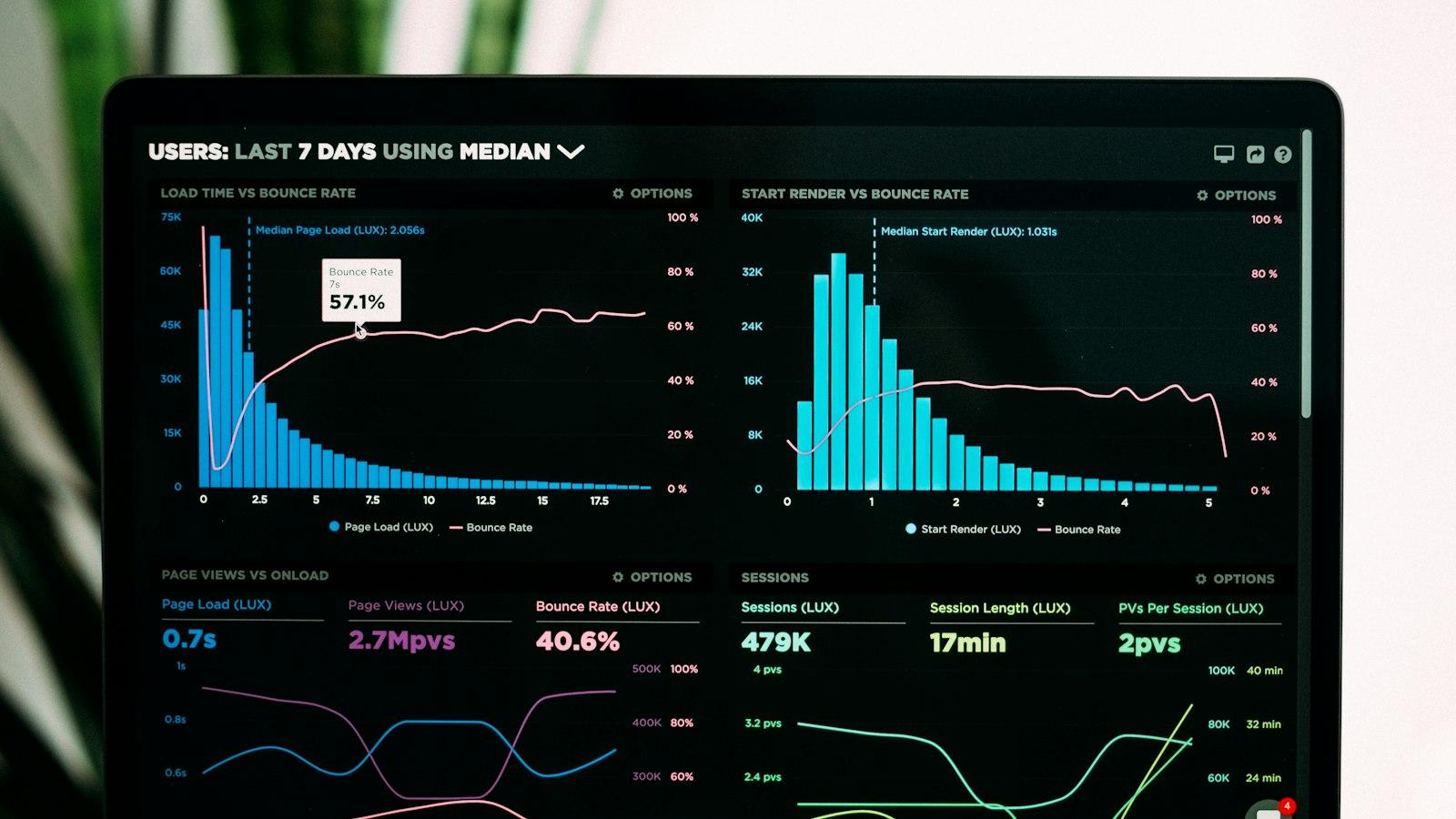
I Tracked Every Website I Visited for 30 Days
A month of browsing history, analyzed. Where my time actually went, the surprising number of sites I visit only once, and the three changes I made afterward.